
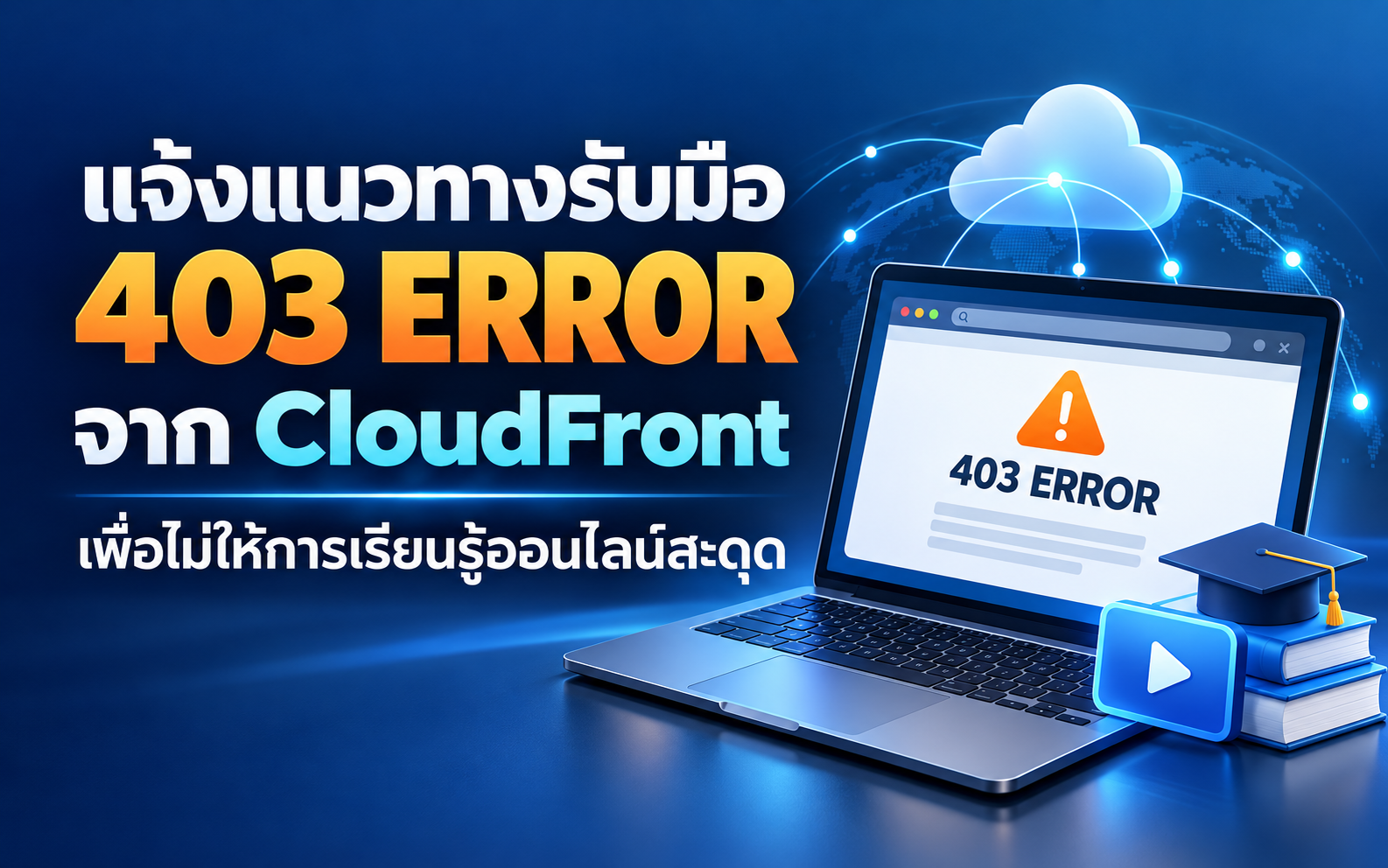
ทำอย่างไรเมื่อเจอ “403 ERROR — Request blocked” เพื่อรักษาการเข้าถึงระบบการเรียนรู้
เมื่อผู้ใช้งานเปิดบริการออนไลน์แล้วพบหน้า “403 ERROR — Request blocked” การเข้าถึงแหล่งเรียนรู้อาจสะดุดทันที ข่าวประชาสัมพันธ์ฉบับนี้สรุปแนวทางปฏิบัติจากข้อความที่ปรากฏบนหน้าจอเพื่อให้ทั้งผู้ใช้งานและผู้ดูแลระบบตัดสินใจต่อได้อย่างรวดเร็ว โดยยึดตามข้อความต้นฉบับจาก CloudFront ที่ระบุว่าเหตุอาจเกิดจากปริมาณทราฟฟิกที่สูงหรือข้อผิดพลาดด้านการตั้งค่า พร้อมข้อแนะนำ “Try again later, or contact the app or website owner” และ “reviewing the CloudFront documentation” สำหรับผู้ให้บริการคอนเทนต์
สิ่งที่ทำได้ทันทีตามคำแนะนำบนหน้าแจ้งเตือน:
– สำหรับผู้ใช้งาน: ลองเข้าใช้งานใหม่ภายหลัง หรือ ติดต่อเจ้าของแอป/เว็บไซต์ที่เกี่ยวข้องตามที่ข้อความระบุ
– สำหรับผู้ให้บริการคอนเทนต์/ผู้ดูแลระบบ: ทบทวนการตั้งค่าตามเอกสาร CloudFront ที่ระบุไว้ในข้อความแจ้งเตือน
ข้อมูลอ้างอิงจากหน้าข้อความ:
– “Request blocked. We can’t connect to the server for this app or website at this time… Try again later, or contact the app or website owner.”
– “If you provide content to customers through CloudFront… reviewing the CloudFront documentation.”
– Request ID: 2xNU9nSx2f3iM21StA0Yn7XCGzqgYDCJnm2iypOb1iZe_iDSaW0k6Q==
เป้าหมายของประกาศเชิงเทคนิคฉบับนี้ คือย้ำแนวทางที่ระบุชัดในหน้าแจ้งเตือน เพื่อให้การตัดสินใจของทั้งผู้ใช้และผู้ดูแลระบบเป็นไปอย่างรวดเร็ว ลดเวลาสะดุดในการเข้าถึงทรัพยากรดิจิทัลเพื่อการเรียนรู้ของนักศึกษา อาจารย์ บุคลากร และผู้มีส่วนเกี่ยวข้องอื่นๆ ข้อความบนหน้าแจ้งเตือนดังกล่าวเป็นแหล่งอ้างอิงโดยตรงในการปฏิบัติ และช่วยให้การสื่อสารกับเจ้าของระบบ/เว็บไซต์มีข้อมูลประกอบที่ครบถ้วนมากขึ้น
สำหรับผู้รับผิดชอบระบบ ควรอ้างอิงเอกสารของ CloudFront ตามคำแนะนำในข้อความแจ้งเตือนเพื่อพิจารณาการตั้งค่าที่เกี่ยวข้อง ส่วนผู้ใช้งานทั่วไป หากต้องติดต่อเจ้าของระบบ การระบุข้อความแจ้งเตือนและ Request ID ข้างต้นจะช่วยให้การตรวจสอบปัญหาเป็นไปอย่างมีประสิทธิภาพยิ่งขึ้น ทั้งหมดนี้มีเป้าหมายร่วมกันคือคงความต่อเนื่องของการเข้าถึงการเรียนรู้ในสภาพแวดล้อมดิจิทัล
What to do when you see “403 ERROR — Request blocked” so online learning isn’t interrupted
When a “403 ERROR — Request blocked” screen appears, access to digital learning resources can stall instantly. This advisory summarizes the on-screen instructions so both end users and system owners can take immediate, informed actions. The original CloudFront message indicates possible high traffic or configuration issues and recommends: “Try again later, or contact the app or website owner,” plus “reviewing the CloudFront documentation” for content providers.
Immediate actions based on the on-screen guidance:
– For end users: Try again later, or contact the relevant app/website owner as instructed.
– For content providers/system owners: Review CloudFront configuration per the official documentation referenced in the notice.
Reference text from the error page includes:
– “Request blocked. We can’t connect to the server for this app or website at this time… Try again later, or contact the app or website owner.”
– “If you provide content to customers through CloudFront… reviewing the CloudFront documentation.”
– Request ID: 2xNU9nSx2f3iM21StA0Yn7XCGzqgYDCJnm2iypOb1iZe_iDSaW0k6Q==
This technical notice reiterates the on-screen instructions to help users and administrators act quickly, minimizing downtime and protecting continuity of access to digital learning for students, faculty, staff, and partners. The error-page content itself serves as the primary reference for appropriate next steps and provides concrete information that can be shared with the app or website owner to accelerate troubleshooting.
For responsible teams, please consult the CloudFront documentation as indicated on the error screen to verify relevant settings. For end users, sharing the exact error message and the Request ID above with the app/website owner can streamline diagnostics. The common goal is simple: sustain seamless access to learning in digital environments.
ที่มา: